 ReiRei Canvas
Transparent paint tool for streamers
- Status
- Released
- Requirements
- Windows 10/11 64bit
Download
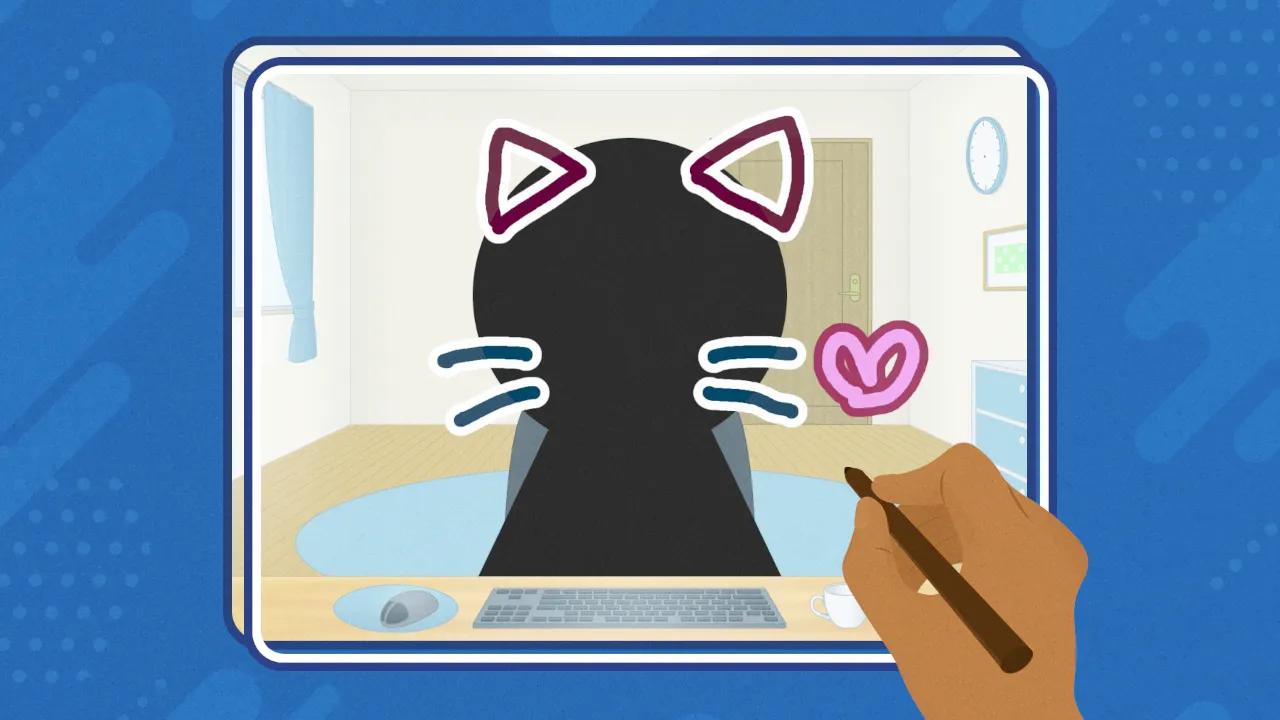
ReiRei Canvas is a paint app with a transparent background.
Only your strokes go to OBS — no green screen, no chroma key, nothing to cut out.
Draw over your stream layout, doodle while you chat, react with a sketch instead of words —
it’s a tool for drawing while you’re live.
No installer. One .exe and you’re drawing.
Highlights
🎨 Straight to OBS, still transparent
Spout2 sends the picture to OBS with the background kept transparent. There is nothing to key out: your strokes land directly on top of your stream. The app window itself is transparent too, so what you see on screen is what your viewers see.
🔌 Fully local, fully portable
No network access at all. No account, no telemetry, no generative AI. Your drawings never leave your PC. Settings are stored in the “settings” folder next to the app, so you can put the whole folder on a USB stick and take it anywhere.
🌀 Lines that wobble, like hand-drawn animation
“Wiggle” makes your lines quiver slightly, giving the screen the feel of hand-drawn animation. The strength is adjustable, and OBS shows exactly what you see.
Features
- Tools: Pen / Eraser / Fill / Select / Move
- Edge: adds an outline around your strokes automatically (color and width adjustable)
- Layers: up to 5 (show/hide, opacity, reorder, merge down)
- Per-layer color adjustment: hue, saturation, and brightness, in real time
- Undo / Redo: step back through everything you’ve done (Ctrl+Z / Ctrl+Y)
- Select: rectangular marquee, move, scale, delete, cut / copy / paste
- Export: PNG / APNG / WebP / animated WebP / GIF (all with transparency)
- Range (export area): Full / 1:1 (square) / Selection
- Import: PNG, WebP, GIF, and JPG as layers (drag-and-drop supported)
- Project files: save in the app’s own format and pick up later with your layers intact
- Spout2 output: send transparent video straight to OBS and other Spout2 apps
- Pen tablets work (pressure sensitivity is not supported yet)
- No autosave — save early, save often.
- Languages: 日本語 / English / 中文 / 한국어
Requirements
- OS: Windows 10 / 11 (64-bit)
- GPU: any DirectX 12 capable graphics card
There is no installer — just unzip and run ReiReiCanvas.exe.
The .exe is not code-signed, so the first time you run it Windows SmartScreen will show a “Windows protected your PC” warning. Click “More info”, then “Run anyway”.
Getting it into OBS
Works with the Spout2 plugin or with Game Capture.
Spout2
- Install the Spout2 plugin for OBS
- Launch ReiRei Canvas and make sure the Spout2 button in the bottom-left corner is ON
- In OBS, add a “Spout2 Capture” source and choose “ReiRei Canvas” as the sender
Leave Composite Mode set to “Default” — colors and edges come out cleanest that way.
Game Capture
- Add a “Game Capture” source in OBS
- Set Mode to “Capture specific window” and choose ReiRei Canvas
- Check “Allow Transparency”
Note that with Game Capture the app’s interface is captured along with your artwork. Spout2 sends the artwork only.
Rights and credit
Everything you draw belongs to you. Commercial use is fine.
Credit requirements are covered by the ReiRei System terms — please give them a read before you publish.
https://reirei.systems/en/terms/
Made something you love?
Share it with #ReiReiCanvas — I’d love to see what you draw!
And if you enjoy the app, a little support goes a long way —
it’s what keeps the updates coming. Thank you!
Credits
The UI icons come from icon sets released under the MIT and Apache-2.0 licenses. Spout2 handles sharing the video frames with OBS. For details, see “About → Licenses” in the app.